Creating a safe learning environment requires clear protocols, consistent training, and the right tools to support staff during both everyday incidents and critical events. The emergency management tools your school or district relies on play a significant role in how effectively your schools respond to safety-related events.
With so much to consider, how do you choose the best emergency management provider for your school? This article will explore five key features to look for when evaluating an emergency management solution:
- ease of use
- alerting capabilities
- drill management
- status and location tracking
- reunification capabilities
1. Ease of use
Intuitive, easy-to-use tools are essential during a crisis, when the high-stress environment makes accomplishing more complex tasks difficult. Ideally, your Emergency Management solution will combine this ease of use with the ability to leverage existing technology. As you evaluate your options, consider how well each one balances these two aspects.
Does the solution connect to other important systems, such as student information or visitor management platforms? Is the interface intuitive enough for staff to use confidently during an emergency?
Systems that are easy to navigate before, during, and after an incident help reduce confusion and support faster responses.
2. Emergency Alerting Capabilities
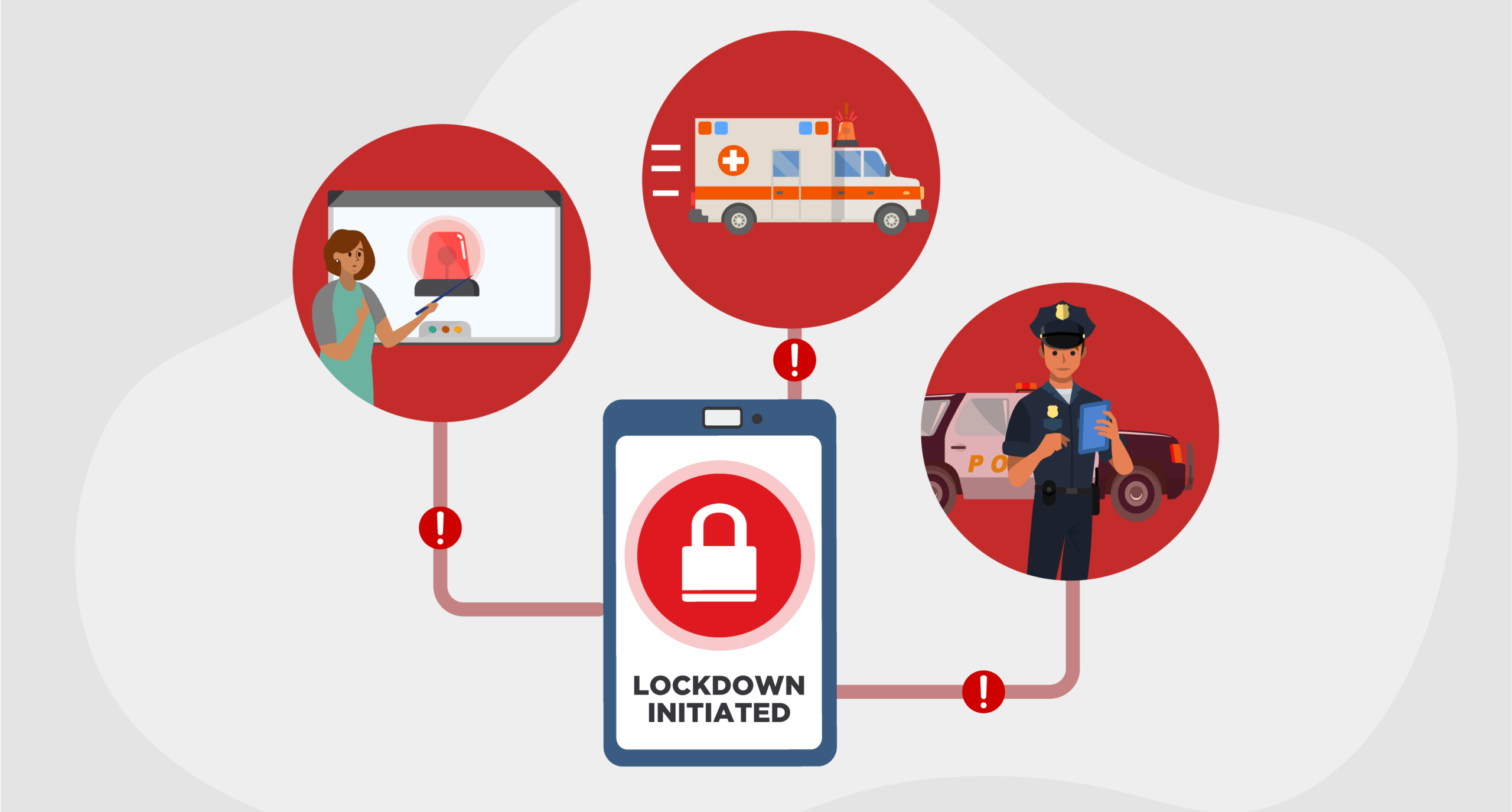
Certain emergency alerting practices and features can help reduce response time during a lockdown or other incident. Look for the following when evaluating the alerting capabilities of an emergency management system:
- Obvious alert buttons. Eliminate potential operator error by making sure your panic alert provides large, visible buttons aligned with district emergency response protocol vocabulary and iconography. They should be easily recognizable and immediately familiar to users.
- 911 connectivity. Rapid communication with emergency responders supports informed decision making and improved outcomes. Look for alert buttons that can directly connect the person initiating the alert with 911 to provide additional context and answer questions.
- Mobility. Panic buttons should be enabled on a mobile or wearable device. Mobile alerting allows the user to initiate a lockdown instantaneously from anywhere, saving precious time.
3. Drill Management for Compliance
Emergency drills are required in most U.S. K-12 schools and often include lockdown, severe weather, and fire scenarios. Most states establish specific requirements for drill frequency, which can be difficult to manage without a centralized system.
Your emergency management solution should include features that help organize, document, and review drills. Maintaining records in a centralized database supports on-time training, helps demonstrate compliance with state guidelines, and gives schools visibility into drill performance over time.
4. Real-Time Status and Location Tracking
During an emergency, teachers and staff should be able to access rosters quickly, search by student name, and confirm who is with them. Sharing real-time status updates and locations with first responders allows for instant communication to direct resources and locate anyone who’s unaccounted for.
Choosing an emergency management system that can integrate with your visitor management and other campus movement tools supports greater accountability during a crisis. Integrated systems provide a centralized view of everyone who may be on campus, including students, staff, visitors, guardians, and contractors. And because emergency situations can evolve quickly, accountability tools should also be available on mobile devices and integrate with alerting features to improve situational awareness.
5. Robust Reunification Capabilities
Reunification involves many moving parts and must be conducted in a manner that minimizes panic and confusion. Districts need a reliable and organized process to reunite students with approved guardians.
Technology-supported reunification helps staff provide accurate updates, keep families informed, and operate calmly and confidently. Look for an emergency management system that supports reunification best practices and syncs with student databases in real time.
Choosing an Emergency Management Partner
Even keeping these key considerations in mind, selecting an emergency management solution is a significant responsibility.
Having the right emergency management tools strengthens a district’s ability to prevent, prepare for, respond to, and recover from emergencies. A trusted provider that delivers proven technology, expert support, and ongoing training can help you to uphold the highest standards of school safety.
To learn how our Emergency Management Suite meets these key requirements and can help strengthen your district’s emergency preparedness, speak with a Raptor Specialist.
Related Resources
Guide to K-12 Emergency Management
Proven Strategies to Protect Your School